
Storyboard Examples for AI Video Production
Practical storyboard examples for planning AI video shots with clearer framing, references, continuity notes, takes, and review criteria.
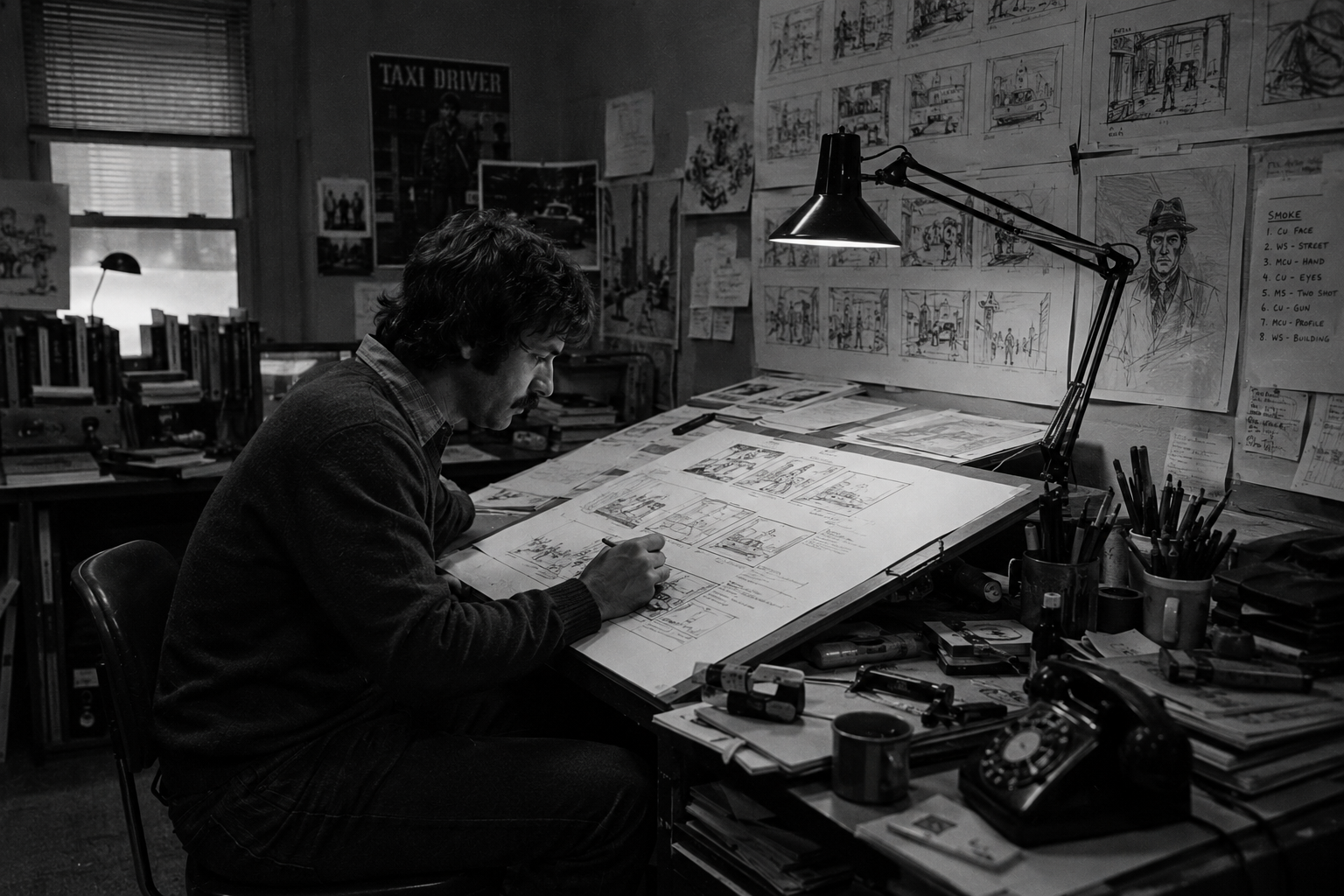
Storyboard examples are only useful if they help the next shot get made. For AI video production, that means each panel should do more than show a pretty composition. It should define the shot’s job, the subject, the movement, the references, and the review standard for the take that comes back.
The best storyboard examples for AI video sit between a drawing and a production brief. They give the model a clear visual target, and they give your team a way to decide whether a generated take belongs in the scene.
Use the examples below as a practical board you can adapt for short films, trailers, commercials, proof-of-concept scenes, music videos, or pitch sequences built with generated video.
Key takeaways
- A useful AI video storyboard panel captures shot intent, not just mood.
- Each panel should map to a shot plan with subject, action, camera, references, and constraints.
- Continuity notes matter more when a scene depends on repeated characters, wardrobe, props, or locations.
- Start and end frames are strongest when they help one generated take connect to the next.
- Review criteria should be written before generation so the team can reject, maybe, select, or approve takes with less guesswork.
What makes a storyboard example useful for AI video
A traditional storyboard helps a crew understand what the camera should see. An AI video storyboard has an extra job: it has to survive the jump from visual planning into generated takes.
That doesn’t mean every panel needs polished art. A rough sketch, reference frame, collage, or production still can work if it answers the right questions:
- What should the audience learn or feel in this shot?
- What’s the focal point?
- What changes during the shot?
- What must stay consistent from the previous shot?
- What reference image, character sheet, location photo, wardrobe note, or prop detail should guide the generation?
- What would make the take unusable?
When those answers are missing, the storyboard becomes decoration. When they’re present, the board becomes a production tool. It can feed a shot list, a structured prompt, frame anchors, reference selection, and dailies review.
Seven storyboard examples to model
Use these examples as building blocks. A simple scene may need only three or four of them. A more complex sequence may repeat the same example type with different framing or screen direction.
| Storyboard example | Panel should show | Add to the shot plan | Review against |
|---|---|---|---|
| Establishing shot | Geography, scale, time of day, key entrance or exit | Location reference, lens feel, camera height, atmosphere | Does the viewer understand where the scene is? |
| Character entrance | Silhouette, wardrobe, direction of travel, first emotional read | Character reference, wardrobe state, blocking, performance note | Does identity and wardrobe carry from the asset library? |
| Over-the-shoulder exchange | Screen direction, eyeline, foreground/background relationship | Subject, dialogue or audio note, lens, negative constraints | Does the take preserve orientation and emotional focus? |
| Prop insert | Object shape, hand position, readable story detail | Prop reference, action, frame size, duration | Is the prop clear enough to matter in the edit? |
| Reaction close-up | Face position, lighting, emotional turn | Performance note, lighting, camera distance, hold length | Does the reaction sell the beat without adding noise? |
| Movement transition | Start composition, path of motion, end composition | Start frame, end frame, camera move, timing | Can the next shot connect cleanly? |
| Reference-matched action | Staging, body motion, camera behavior, speed | Reference video, action note, duration, constraints | Does the generated motion match the intended rhythm? |
1. Establishing shot
An establishing-shot panel should answer geography fast: where the scene is, how big the space feels, and where a character can enter, hide, cross, or exit.
Add the location reference, time of day, weather, lens feel, practical lights, and camera behavior. The review test is simple: if someone sees the take without the script, can they understand the place?
2. Character entrance
A character entrance panel should protect identity and wardrobe before it chases flair. Show the silhouette, direction of travel, body angle, and first readable expression.
Attach the character reference and wardrobe notes to the shot plan. If the entrance depends on a prop, costume damage, wet hair, a mask, or a lighting state from the prior shot, write that in the continuity notes.
3. Over-the-shoulder exchange
An over-the-shoulder panel is really a screen-direction panel. It shows who owns the foreground, who owns the background, where the eyeline lands, and how much of the environment matters.
Use it for dialogue, confrontations, reveals, negotiations, and reaction beats. In review, watch for orientation drift. If positions flip, the shot may look good alone and still break the scene.
4. Prop insert
A prop insert gives a story object its moment: a recorder, a keycard, a signal case, a marked tool, or a note whose placement matters.
The panel should make the object readable. Add the prop reference, hand or body action, frame size, lighting, and the detail the viewer needs to catch. Keep the action small so the object doesn’t get muddy.
5. Reaction close-up
A reaction close-up works when it has one emotional job: fear, recognition, suspicion, grief, relief, or resolve. Pick the beat, then show the face position and lighting shape.
Add performance language, camera distance, lens feel, hold length, and eyeline. Review emotional clarity first. A beautifully lit close-up that plays the wrong beat is still the wrong take.
6. Movement transition
Movement transitions are where AI video storyboards can be especially useful. The panel can show the start position, path of motion, and intended end composition.
Use plain film language: slow push-in, lateral track, handheld follow, tilt up, rack focus, or static hold. If the next shot inherits the frame, mark the start or end anchor clearly.
7. Reference-matched action
Some shots are less about composition and more about motion: fabric in wind, a handheld drift, a dance phrase, a creature movement, or a walk cycle.
Here, the panel sets the frame and the reference video guides motion, timing, camera behavior, or staging. The shot plan should say what the reference is responsible for so the model isn’t left to infer the job.
Turn storyboard panels into shot plans
Once the board exists, translate each panel into a shot plan. This is where many AI video workflows fall apart: the visual idea, prompt, references, and generated clip all drift into separate places.
Use this compact structure for each panel:
- Shot code:
- Scene:
- Panel purpose:
- Subject:
- Action:
- Framing:
- Camera:
- Lighting:
- Location, character, prop, and wardrobe references:
- Start or end frame anchor:
- Reference video:
- Duration, aspect ratio, and resolution:
- Negative constraints:
- Review criteria:
Lotix is built for this production layer. You can organize AI video work into projects, sequences, scenes, shots, generated takes, and dailies, then keep references and review states attached to the work instead of scattered across prompt histories and downloads. The Lotix product workflow is designed around that shift from isolated prompts to reviewable production takes.
Build the scene before you generate
Storyboard examples help most when they’re part of a scene plan, not a pile of individual panels.
Before generating, read the board in order and ask:
- Does every panel have a job?
- Are there redundant shots doing the same work?
- Do the character, wardrobe, location, and prop references stay consistent?
- Does the movement in one shot set up the next shot?
- Are there clear reject, maybe, selected, and approved standards?
If you’re planning several connected shots, use the Seedance 2.0 multi-shot workflow to think through continuity and coverage. For single-shot prompt structure, use the Seedance 2.0 shot planning workflow. If your team also needs project roles, provider settings, token visibility, and governance context, review the Lotix trust workflow.
From example board to usable takes
A storyboard is a promise to your future edit: this shot has a reason to exist.
In Lotix, that reason can stay attached to the shot. Teams can build production assets, compose structured shot plans, generate Seedance-focused takes, review those takes as rejected, maybe, selected, or approved, and collect successful work in dailies. That gives directors, producers, editors, and collaborators a clearer way to move from board to generated video without losing the production context.
Start Creating and plan your next AI video project around scenes, shots, references, takes, and review.
Frequently asked questions
What should a storyboard example include for AI video?
It should include the shot’s purpose, subject, framing, movement, continuity notes, references, and review criteria. The drawing can be rough if the production intent is clear.
Is a storyboard the same as a shot list?
No. A storyboard shows the visual sequence. A shot list turns that visual plan into structured production details such as shot code, framing, camera movement, duration, references, and notes.
Do I need polished drawings for AI video storyboards?
No. Rough panels, reference frames, stills, or collages can work. The important thing is that each panel gives the shot enough direction to generate and review a take.
Where does Lotix fit in a storyboard workflow?
Lotix doesn’t replace the creative act of boarding a scene. It helps carry that plan into production by organizing projects, scenes, shots, references, generated takes, dailies, team roles, token billing, and governance workflows.
How many storyboard panels should an AI video scene have?
Use as many panels as the scene needs to communicate coverage. A simple beat might need three shots: establish, action, reaction. A more complex sequence may need inserts, transitions, close-ups, and reference-matched action shots.