

Seedance 2.0: What It Is, Where to Access It, and What Comes Next
A clear guide to Seedance 2.0, where creators can access it, what it generates, and why film teams need structure after the first clip.
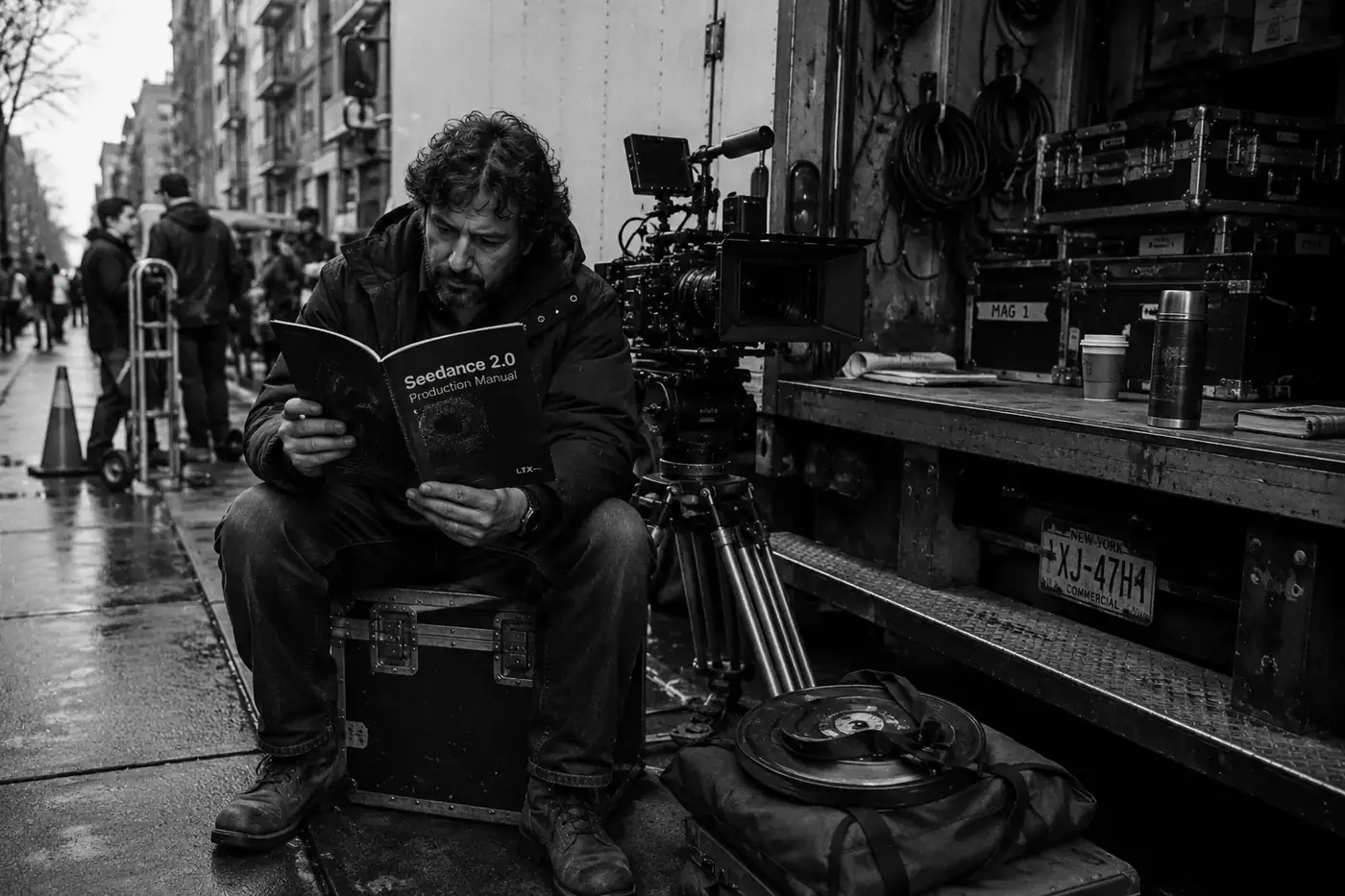
Seedance 2.0 is ByteDance Seed’s multimodal audio-video generation model for short clips. The official Seedance page describes a model that accepts text, image, audio, and video inputs and generates synchronized audiovisual output.
ByteDance Seed introduced the model in February 2026, and the Seedance 2.0 model card appeared on arXiv that April. The practical question is not only how to access it. It is what to do with the clips once generation starts.
Film teams still need a place to keep references, shots, takes, approvals, and review notes together once the first usable clip arrives.
Key takeaways
Seedance 2.0 is a ByteDance Seed audio-video model for short generated clips. It matters because it accepts more than text: creators can guide a shot with images, audio, video, and language, then decide whether the output fits a real scene.
- ByteDance Seed describes Seedance 2.0 as a multimodal audio-video model.
- The arXiv model card says Seedance 2.0 generates 4-to-15-second audio-video clips with native 480p and 720p output.
- The model card also says the open platform described there supports up to 9 images, 3 video clips, and 3 audio clips as references.
- CapCut has described Dreamina Seedance 2.0 as a phased rollout for certain paid users in selected markets.
- A scene still needs structure around references, shots, takes, approvals, and dailies after the first useful clip.
What Seedance 2.0 does
Seedance 2.0 generates short videos with synchronized audio from text, image, audio, and video guidance. That multimodal setup lets creators describe the shot in language while also supplying references for identity, camera movement, lighting, performance, motion rhythm, and sound together.
At launch, ByteDance Seed described Seedance 2.0 as its next-generation video creation model. The launch post says the model supports four input types and can combine natural language with multiple images, video clips, and audio clips.
Film work rarely starts from text alone. A shot may need a character reference, a location image, a motion cue, a camera instruction, a lighting direction, and an audio beat. Seedance 2.0 gives creators a broader reference stack for that kind of brief.
| Official source | Seedance 2.0 signal |
|---|---|
| ByteDance Seed model page | Text, image, audio, and video inputs; audio-video generation; creator control over performance, lighting, shadow, and camera movement |
| ByteDance Seed launch post | Up to 9 images, 3 video clips, 3 audio clips, and language instructions in launch materials |
| arXiv model card | 4-to-15-second direct audio-video generation, native 480p and 720p outputs, and a Seedance 2.0 Fast variant |
A 15-second clip can look strong on its own. A scene still needs continuity, coverage, review, and a way to track which take belongs to which shot.
Where creators can access Seedance 2.0
Creators can access Seedance 2.0 through official ByteDance/BytePlus surfaces and through apps that receive product rollouts. Because access, territories, paid tiers, provider terms, API availability, and product limits can change, confirm the current route before planning production.
Start with the official model page: seed.bytedance.com/en/seedance2_0. That page is the official entry point for model positioning and related links.
For creator-app access, CapCut’s newsroom has described Dreamina Seedance 2.0 as a phased rollout inside CapCut. The first wave named certain paid users in Indonesia, Philippines, Thailand, Vietnam, Malaysia, Brazil, and Mexico.
For API planning, BytePlus ModelArk docs, resource-pack pages, and terms define the relevant constraints. The official BytePlus video generation terms page currently excludes the United States from BytePlus Model Services, which matters for direct API planning.
What access doesn’t solve
Access solves the first hurdle, not the production workflow. Once generation starts, the next problem is keeping variations, references, shot intent, selected takes, approvals, and review notes organized enough for a real scene with collaborators involved.
The first usable Seedance 2.0 clip feels like momentum. Then the folder starts filling with alternate takes, reference files, prompt variants, and exports that all look plausible until someone asks which one belongs to the scene.
You need to know which reference image drove a shot. You need to keep the same character, location, prop, and wardrobe logic from take to take. You need to decide whether a clip is a reject, maybe, select, or approved take. You need a way for a producer, director, editor, or reviewer to understand the work without decoding filenames.
That is where a dedicated workflow becomes useful. The model can generate clips, but the team still needs a system for planning, review, continuity, and handoff.
Lotix is built for that layer. It organizes AI film work into projects, production assets, sequences, scenes, shots, generated takes, and dailies. Current video generation support centers on Seedance 2.0 and Seedance 2.0 Fast, so teams can keep Seedance-focused generation tied to shot plans, references, review states, project roles, tokens, and governance workflows.
What to read next
Use the next guide based on the job in front of you. Verify access here, plan one shot with the shot workflow, translate the brief with the prompt guide, and use the API guide when you need to compare endpoint work with an app workflow.
If you have access and need to plan one strong generation, read the Seedance 2.0 shot planning workflow. That guide focuses on a single shot brief: intent, references, frame anchors, camera language, lighting, constraints, and review criteria.
If you need to turn that brief into prompt language, use the Seedance 2.0 prompt guide.
If you’re building a connected scene, read the Seedance 2.0 multi-shot workflow guide. That guide focuses on coverage, continuity, frame-to-frame handoff, dailies, and team review across several shots.
If you’re comparing direct endpoint access with an app-based workflow, read the Seedance 2.0 API guide.
For a broader view of how Lotix handles projects, production assets, shot plans, takes, and dailies, see the Lotix product workflow. For roles, token control, review history, and governance language, see Trust.
Seedance 2.0 FAQ
Seedance 2.0 FAQs separate model facts from product availability. The key questions are who makes the model, whether audio is supported, how long clips can be, where access exists, and how Lotix fits once a team starts organizing generated work.
Is Seedance 2.0 a ByteDance model?
Yes. Seedance 2.0 is a ByteDance Seed model. The official model page presents it as a next-generation video creation model, and the model card lists Team Seedance as the author group behind the technical report. That makes ByteDance Seed the right source for model positioning.
Does Seedance 2.0 support audio?
Yes. ByteDance Seed describes Seedance 2.0 as an audio-video model, not only a silent video generator. The official launch materials discuss synchronized audiovisual output, two-channel audio, sound effects, background music, ambience, and voice-related capabilities, though any app may expose a smaller feature set.
How long are Seedance 2.0 clips?
The Seedance 2.0 model card describes direct audio-video generation from 4 to 15 seconds, with native 480p and 720p outputs. In production, treat clip length as a planning constraint: short outputs work best when each shot has a clear job across coverage and handoff.
Is Seedance 2.0 available everywhere?
No. Seedance 2.0 has appeared through specific official and app-based routes rather than one universal global entry point. CapCut’s newsroom described an initial paid-user rollout in selected markets, while direct API planning belongs with BytePlus ModelArk documentation and account terms.
Is Lotix a replacement for CapCut, Dreamina, or Jianying?
No. Lotix does not replace CapCut, Dreamina, Jianying, or BytePlus ModelArk. Lotix gives film teams a production workspace around Seedance-focused work: assets, scenes, shots, takes, dailies, roles, token controls, and review records that generators and editing apps may handle differently.
Start organized Seedance 2.0 production
Start organized Seedance 2.0 production by connecting clips to references, shot intent, model settings, review states, and approvals. A usable workflow gives every new generation a reason, every selected clip context, and every collaborator a clearer way to judge the scene.
Getting access to Seedance 2.0 starts the work. Directing with it means keeping the scene organized.
Teams get more from AI video when they build a repeatable production system around it: reusable references, structured shot plans, clear review states, and scene-level continuity.
If you’re ready to turn Seedance 2.0 experiments into organized AI film work, sign up free and build around scenes, shots, takes, and dailies.
Free workspace
Create your free Lotix workspace.
Plan your shots, manage your assets, generate takes with built-in Seedance, and keep generation spend visible with monthly tokens inside Lotix.
- Plan shots around scenes, references, and review needs
- Manage characters, locations, props, and production assets
- Generate Seedance takes with visible token usage