

Seedance 2.0 Multi-Shot Workflow for AI Film Teams
A practical Seedance 2.0 multi-shot workflow for keeping references, continuity, takes, and dailies organized across AI film scenes.
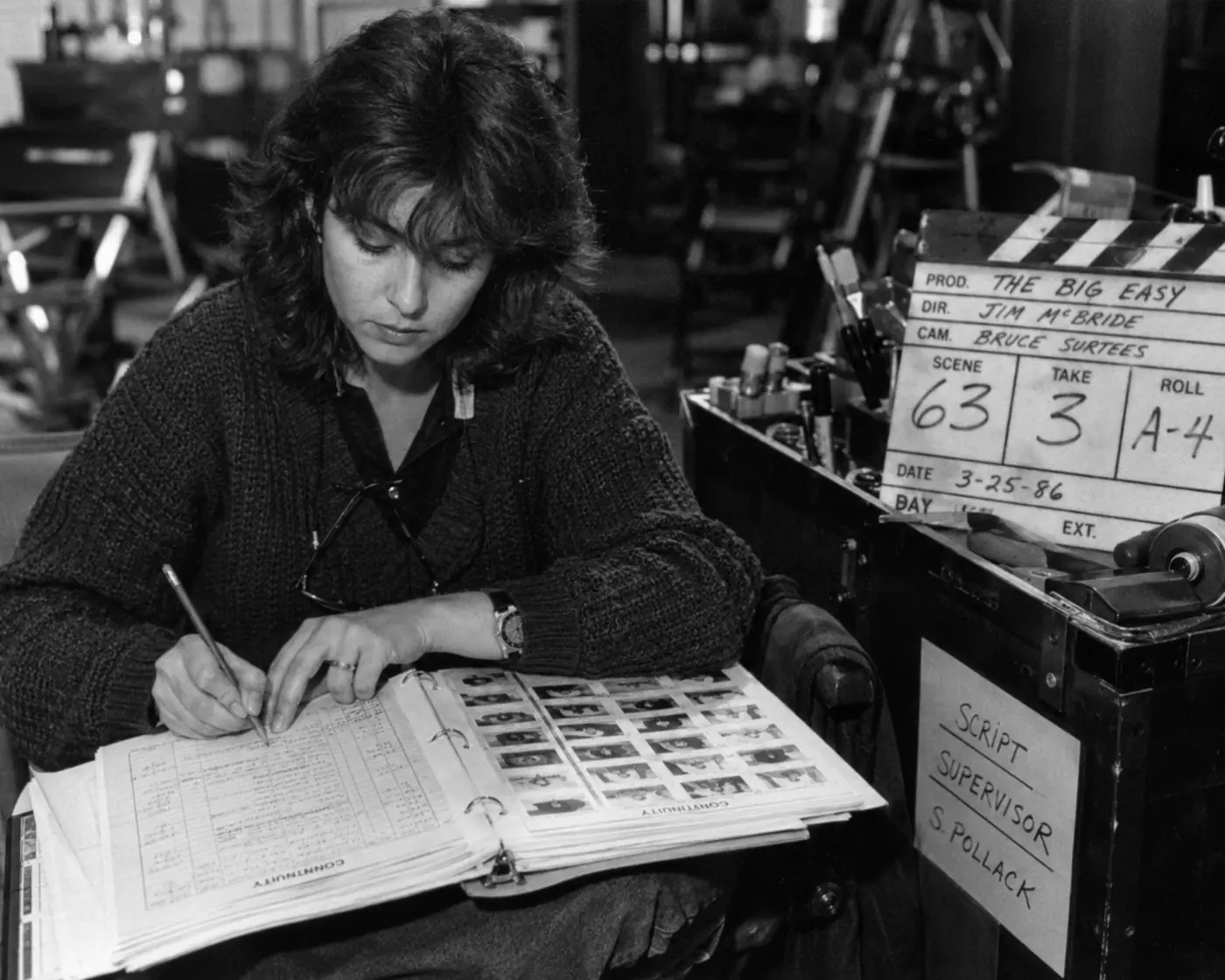
A Seedance 2.0 multi-shot workflow starts before the first generation. Plan the scene, assign a job to every shot, attach references to the right shot record, and review each output as a take.
A strong 15-second clip still does not equal a film sequence. A director needs coverage, continuity, visual references, frame anchors, and a clean way to compare takes. The producer needs the readout: what the team selected, what they approved, and what still needs another pass.
Connected Seedance 2.0 work needs a shot plan that keeps references tied to the right moment and treats generated clips as production takes instead of mystery files. For access and model basics, start with the Seedance 2.0 access guide. For single-shot setup, use the Seedance 2.0 shot planning workflow, then turn the plan into generation-ready language with the Seedance 2.0 prompt guide.
Key takeaways
Use a Seedance 2.0 multi-shot workflow to turn connected clips into a scene plan. Define sequence intent first, keep references attached to shots, label every output as a take, and review selections in dailies so the team sees continuity, approvals, and next steps in one place.
- Take logic: Don’t treat each generated clip as a standalone file. Treat it as a take inside a scene.
- Sequence first: Start with the sequence, scene, and shot purpose before writing prompts.
- Reference control: Keep character, location, prop, wardrobe, frame, video, and audio references attached to the shot they direct.
- Dailies review: Use review states such as rejected, maybe, selected, and approved so dailies stay readable.
- Team guardrails: Set enough boundaries around roles, tokens, and references before a larger team starts generating.
Why multi-shot AI scenes get messy
Multi-shot AI scenes get messy because each clip carries creative intent, references, settings, outputs, and review decisions. Seedance 2.0 adds more input control, so teams need a system that connects character assets, frame anchors, motion notes, and approved takes to the right scene context.
ByteDance Seed’s launch post says the model supports text, image, audio, and video inputs, including up to 9 images, 3 video clips, and 3 audio clips. The Seedance 2.0 model card describes direct audio-video generation in the 4-to-15-second range.
That’s useful, but it’s also a production burden. One shot might need a character sheet, a wardrobe image, a location still, a first-frame anchor, a last-frame anchor, a motion reference, a camera note, and an audio cue. Run five takes and you’ll already have dozens of assets, prompt variants, and downloaded outputs.
Folders don’t understand scene structure. A spreadsheet can list file names, but it can’t show why a motion reference belongs to Shot 03B, which take used it, or whether the director approved the result. The work gets harder when an editor, producer, or client stakeholder joins the review.
The cleaner move is to give the scene a production shape before generation begins.
Start with the sequence, not the prompt
Start a Seedance 2.0 sequence by naming the scene’s job before you write a prompt. Decide what the audience must understand, then build coverage around that need. This keeps generation focused on story, geography, performance, rhythm, and continuity instead of random attractive clips.
Ask what kind of scene you’re making. Is this a quiet dialogue beat, a chase transition, a product reveal, a character entrance, or a concept trailer moment? You’re not just asking for a cool clip. You’re deciding what coverage the scene needs.
Break the scene into shots the way a film team would:
- A master or establishing shot to define geography.
- Medium coverage for action or dialogue.
- Close-ups for performance and emotional turns.
- Inserts for props, screens, hands, signage, or evidence.
- Transition shots that bridge one moment to the next.
- Reaction shots that make the scene readable.
Each shot should earn its place. If it doesn’t clarify story, geography, performance, rhythm, or continuity, it probably isn’t worth generating. That’s one of the simplest ways to control token spend and review time: stop asking the model for footage the sequence doesn’t need.
Once the scene has that structure, the workspace needs to keep every shot connected to the plan. In Lotix, this planning happens inside a filmmaker-native structure: projects, sequences, scenes, shots, generated takes, and dailies. The product workflow uses that hierarchy so a shot stays connected to its scene, prompt plan, references, and review state.
If the scene still needs a visual planning pass, the storyboard examples guide can help turn coverage ideas into clearer shot records.
Build continuity handoffs between shots
Build continuity handoffs by separating scene-wide references from shot-specific direction and transition material. Keep character, wardrobe, location, and prop anchors stable. Then add the camera notes, frame anchors, and reference clips that tell Seedance 2.0 how Shot B should follow Shot A.
Don’t rebuild the character, wardrobe, location, and prop logic from memory every time the camera angle changes. Keep three reference buckets clear:
| Reference bucket | What it controls | Example assets |
|---|---|---|
| Scene anchors | The details that should stay stable across the whole beat | Character sheet, wardrobe image, location still, prop reference |
| Shot-specific direction | The choices that only apply to the current shot | Camera note, lighting note, action cue, frame note |
| Handoff material | The bridge from one shot into the next | End frame, start frame, motion reference, previous take |
The single-shot brief handles the fine detail. If you need that template, use the Seedance 2.0 shot planning workflow. At the sequence level, your job is to make sure the right pieces carry forward and the wrong pieces don’t mutate into new continuity problems.
Frame anchors are especially helpful when a sequence crosses the short-clip boundary. If Shot A ends on a strong frame, that image can become the start-frame anchor for Shot B. You aren’t asking the model to infer continuity from a vague memory of the last prompt. You’re handing it a visual bridge.
Generate takes, then review like dailies
Review Seedance 2.0 outputs as takes, not loose downloads. A take belongs to a shot, carries its prompt and references, and earns a status during review. This gives directors, producers, and editors a shared way to judge what works and what needs another pass.
Once the shot plan is ready, generate takes. That word matters. A reviewer can reject a take, mark it as maybe, select it, approve it, regenerate it, or use it as the basis for another pass.
This keeps judgment clean. A clip can look beautiful and still fail the scene. Maybe the camera move feels too energetic for the previous shot. Maybe the wardrobe nearly matches, but the prop continuity breaks. Maybe the expression works, but the ending frame does not set up the next shot.
Use simple review states:
| Review state | What it means | Next action |
|---|---|---|
| Rejected | The take fails the shot intent or breaks continuity | Regenerate or revise the shot brief |
| Maybe | The take has promise but needs team judgment | Compare against nearby shots |
| Selected | The take currently leads for the shot | Move into dailies review |
| Approved | The team accepts the take for the production path | Hand off with shot context intact |
Review each take against the shot intent, not just against surface quality. Ask:
- Does the take serve the scene beat?
- Does it preserve the character, wardrobe, location, and prop logic?
- Does the camera language match the surrounding shots?
- Does the ending frame help the next shot?
- Is the take a reject, maybe, select, or approval candidate?
A dailies system works only if the take still carries its evidence. Lotix keeps takes tied to shot plans, model/settings snapshots, references, and review states. The team can collect successful generations in the review and dailies layer, where everyone can compare work in context instead of digging through anonymous downloads.
For a focused review workflow, use the AI video takes and dailies tutorial.
Keep operations attached to the creative work
Keep operations beside the creative work so each generation has ownership, cost context, provider settings, and approval history. Multi-shot AI production moves faster when the team can trace who generated a take, which references guided it, and who approved or rejected it.
Multi-shot AI production involves roles, token spend, provider settings, client references, real likeness concerns, and approval boundaries. A solo test may survive loose organization. A team needs clearer control.
A producer should know who can generate, who can approve, and how much generation activity belongs to a workspace. A director should trace a selected take back to the shot plan. An editor should know whether a clip counts as a test, a select, or an approved take.
Lotix supports project roles such as owner, producer, director, assistant director, editor, commenter, and viewer. It also keeps Seedance-focused generation tied to project settings, prepaid workspace tokens, and governance workflows. For higher-stakes productions, the Lotix trust page explains the product’s approach to review history, roles, token control, and compliance readiness.
The value is the record: what the model generated, which references guided the output, who reviewed it, and what moved forward.
A practical multi-shot checklist
Use this checklist before you generate connected Seedance 2.0 scenes. It keeps the plan practical: confirm the scene purpose, choose only needed shots, organize reusable assets, define review standards, and set role, token, and provider expectations before the team spends generation budget.
- The scene has a clear purpose inside the sequence.
- The shot list covers the beat without asking for unnecessary clips.
- The team organizes reusable production assets before generation starts.
- Each shot has references, frame anchors, movement notes, lighting notes, and negative constraints.
- The team writes review criteria before the first take comes back.
- Team roles, token expectations, and provider settings are clear.
- The team reviews selected and approved takes in dailies instead of losing them in folders.
The payoff isn’t magic consistency. It’s repeatability. Your team can see the original intent, the references that guided the model, the output that came back from Seedance 2.0, and the reason a take moved forward.
If you’re ready to plan Seedance 2.0 work like a production, sign up free and build your next AI video project around scenes, shots, takes, and dailies.
Frequently asked questions
Multi-shot Seedance FAQs set expectations before a team builds a connected scene. The key decisions are whether to generate the whole scene at once, how many references to use, how to judge character consistency, where editing tools fit, and when to verify model specs.
Can Seedance 2.0 create a full multi-shot scene in one generation?
Seedance 2.0 can generate short multi-shot audio-video outputs, but film teams should still plan serious scenes shot by shot. Separate shot records make coverage, continuity checks, regeneration choices, and dailies review easier because every clip keeps a clear job inside the sequence.
How many references should I use for a shot?
Use the fewest references that control the shot clearly. A character sheet, wardrobe image, location still, frame anchor, or motion clip can help. Extra references can blur review because the team may not know which asset should drive performance, camera, setting, or continuity.
Does Lotix guarantee character consistency across Seedance 2.0 takes?
No. Lotix helps teams improve continuity by keeping character assets, references, shot plans, generated takes, and review states together. The model can still vary details, so the team should compare each take against the shot intent before anyone marks it selected or approved.
Is Lotix a replacement for an editing app?
No. Lotix supports planning, generation context, dailies review, and production records for AI video teams. Editors still finish timing, sound, color, compositing, and delivery in their editing tools. Lotix gives those tools cleaner inputs because selected takes carry shot context and approvals.
Should teams verify Seedance 2.0 specs before a production?
Yes. Teams should verify Seedance 2.0 specs before production because model access, host limits, pricing, resolution, duration, and input rules can change. Check official Seedance or provider documentation before you set budgets, promise deliverables, or lock a repeatable generation workflow.
Free workspace
Create your free Lotix workspace.
Plan your shots, manage your assets, generate takes with built-in Seedance, and keep generation spend visible with monthly tokens inside Lotix.
- Plan shots around scenes, references, and review needs
- Manage characters, locations, props, and production assets
- Generate Seedance takes with visible token usage