

Seedance 2.0 Shot Planning Workflow for AI Film Teams
A practical Seedance 2.0 shot planning workflow for writing better briefs with references, frame anchors, camera notes, and review criteria.
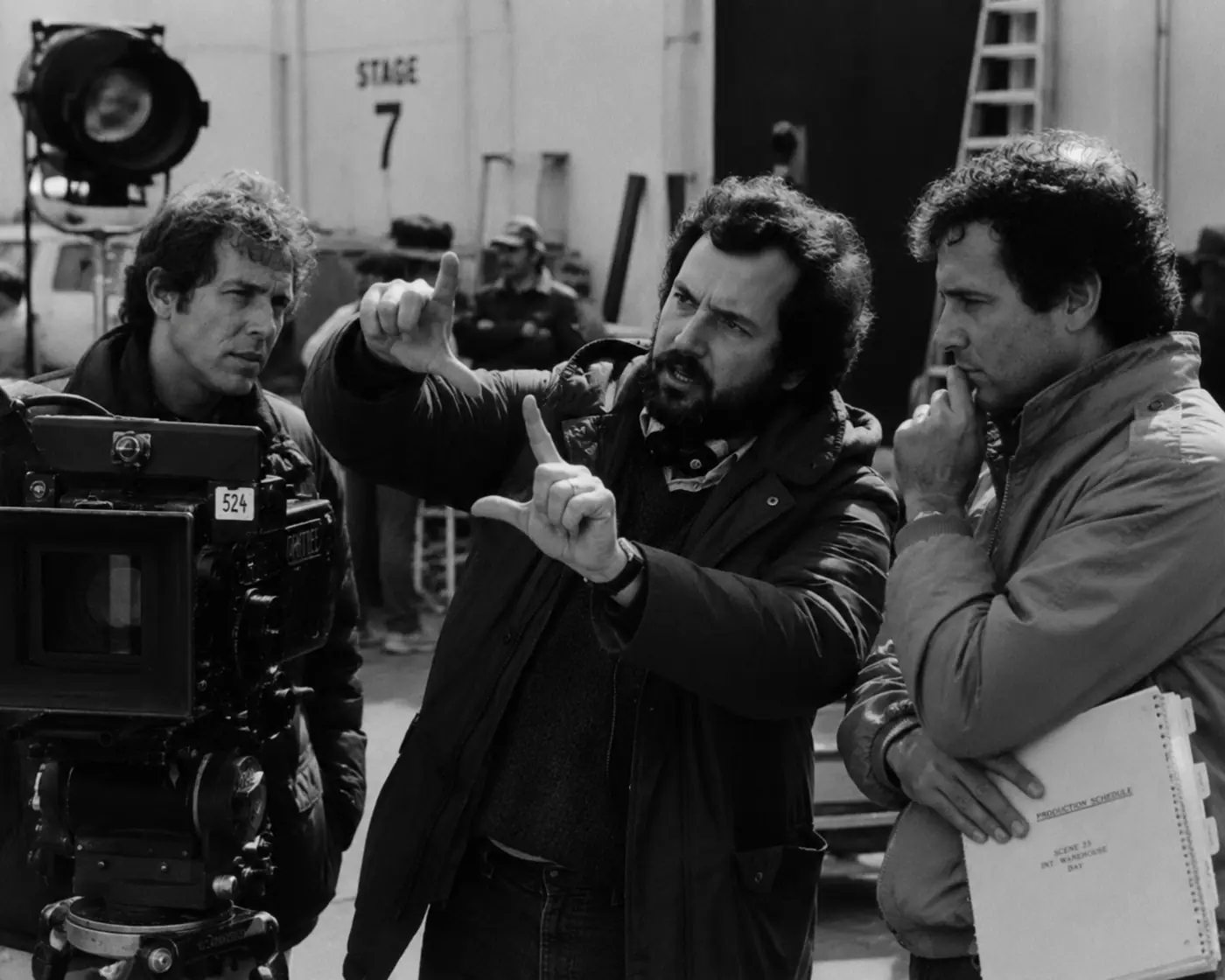
A Seedance 2.0 shot planning workflow turns a loose clip idea into a directable shot. Define the shot’s job, attach the right references, set the camera and frame anchors, then write review criteria before you generate.
Single-shot planning comes before connected coverage. For access context, start with the Seedance 2.0 access guide. For connected coverage, move from this shot-level plan into the Seedance 2.0 multi-shot workflow. For generation wording, use the Seedance 2.0 prompt guide.
For one shot, the goal is simple: give Seedance 2.0 enough direction to return usable takes, and give your team enough context to judge those takes without guessing.
Key takeaways
A Seedance 2.0 shot plan should state the shot’s job, assign reference roles, define camera and frame behavior, name constraints, and set review standards before generation. The plan keeps each take tied to a clear creative target through review and revision.
- Start with the shot’s job in the scene.
- Separate intent, references, camera, lighting, motion, audio, and constraints.
- Use frame anchors only when they guide the start or end of the shot.
- Define the review standard before generation.
- Keep the shot plan, take, settings, and review decision together.
What a shot plan solves
A shot plan solves the failure point where one paragraph tries to carry story, camera, wardrobe, props, references, audio, constraints, and review standards. Splitting those decisions into fields makes the target easier to inspect and revise after each generation pass.
Most weak AI video workflows break in the same place: the prompt does too many jobs at once.
The character description, wardrobe note, camera move, lighting setup, audio cue, prop continuity, and negative prompt all get crammed into one paragraph. When the take comes back wrong, nobody knows which part failed. Was the reference weak? Was the camera note vague? Did the shot need a tighter frame anchor? Did the prompt ask for three actions in six seconds?
A shot plan gives every note a place and makes the creative target easier to inspect. You can see what the shot should do, which references should guide it, and what the team should approve or reject.
That inspection is easier when the plan stays attached to the generated work. In Lotix, the shot plan lives inside the production hierarchy: project, sequence, scene, shot, take. The Lotix product workflow keeps the brief, references, generation settings, and review state attached to the shot.
Build the shot brief
Build the shot brief by moving from purpose to execution. Name the job, choose references with specific roles, write the shot in production fields, and use frame anchors only when the start or end composition affects the edit during review.
Start with the shot’s job
Start with the shot’s job because every other choice should serve it. A shot may establish place, show a clue, hold a reaction, bridge action, or set up the next cut. One sentence keeps the plan focused for later reviewers.
Before you write the visual prompt, answer one question: why does this shot exist?
A shot may need to:
- Establish the location.
- Reveal a character’s emotional turn.
- Show a prop or clue clearly.
- Bridge one action beat to the next.
- Hold on a reaction.
- Set up the next frame anchor.
If you cannot name the job, the generation will probably drift. Seedance 2.0 can produce short audio-video clips; the model card lists 4-to-15-second durations and native 480p and 720p outputs. The model still needs a clean creative target.
Write the shot intent in one sentence. For example: “A tense close-up as Mara realizes the signal is coming from inside the station.” That sentence helps every other decision stay honest.
Choose references with a role
Choose references by role, not by volume. A character image, location plate, prop still, wardrobe note, frame anchor, reference video, or audio cue should each tell Seedance 2.0 what to preserve, move, or avoid inside the planned shot rather than across the scene.
For a single Seedance 2.0 shot, separate references by purpose:
- Character: identity, silhouette, hair, wardrobe, expression range.
- Location: architecture, room layout, surface texture, practical lights.
- Prop: shape, scale, markings, handling, continuity value.
- Wardrobe: color, fabric, fit, damage, weathering.
- Frame anchor: exact start or end composition.
- Reference video: motion, camera behavior, timing, staging, or performance rhythm.
- Audio cue: atmosphere, dialogue direction, music preference, or sound behavior.
This makes review easier. If the take loses the prop, check the prop reference. If the move feels wrong, check the camera and reference video notes. If the ending does not connect to the next shot, check the end-frame anchor.
Those reference roles become more valuable when the team can reuse them across shots. Lotix lets teams keep production assets for characters, locations, props, wardrobe, and reference videos, then pull the right ones into shot prompts. Continuity should not depend on someone remembering which image the team used last week.
Write the shot as a brief
Write the shot as a brief so each production note has a clear home. Separate intent, subject, action, framing, camera, lighting, environment, references, format, constraints, and review criteria. That layout makes revisions faster after a failed take with less confusion.
A useful Seedance 2.0 shot plan reads less like a poem and more like a production brief. It can still feel cinematic, but each section should do clear work.
Use this structure:
- Intent: what the shot needs to communicate.
- Subject: who or what the camera follows.
- Action: what changes during the shot.
- Framing: close-up, medium, wide, insert, over-the-shoulder, or another clear frame.
- Camera: lens feel, movement, height, angle, pace.
- Lighting: key source, contrast, color temperature, practicals, atmosphere.
- Environment: location details that must stay visible.
- References: assets guiding identity, wardrobe, prop, location, frame, motion, or audio.
- Duration and format: length, aspect ratio, and resolution choices.
- Negative constraints: what must not appear or change.
- Review criteria: what makes a take reject, maybe, select, or approval-ready.
That may look slower than typing one prompt, but it saves time when you need more than one take. You can change one part of the brief instead of rewriting the whole thing.
Use frame anchors carefully
Use frame anchors when composition matters to the edit. A start-frame anchor can define the opening image, while an end-frame anchor can guide the next cut. Decorative anchors can distract the model from the shot’s real job during model generation.
If the shot needs to start on a character facing a doorway, use a start frame. If it needs to end on a hand gripping a prop for the next insert, use an end frame. If the anchor is only a mood image, skip it.
Keep the action realistic for the duration. A six-second shot can hold a glance, a slow push-in, a hand reaching for a device, or a turn toward a sound. It probably cannot carry a full scene’s worth of blocking without losing clarity.
The best shot plans stay specific without trying to control every pixel. They give Seedance 2.0 a strong direction and leave enough room for the model to solve the motion.
Define review before generation
Define review before generation so the team judges takes against the plan instead of personal taste. Write what makes the output usable, what causes rejection, and what needs revision. This turns feedback into action after the first generated output arrives.
Before generating, write down what makes the take usable:
- The character identity and wardrobe stay close enough for the scene.
- The camera move supports the intended beat.
- The prop or location detail remains readable.
- The ending frame can connect to the next planned shot.
- The take does not introduce unwanted objects, people, logos, or mood shifts.
- The audio direction supports the shot instead of fighting it.
Keeping that revision loop attached to the shot turns review into usable direction. In Lotix, generated clips become takes attached to the shot. Teams can review them as rejected, maybe, selected, or approved, with the prompt, references, settings, and take context kept together. That makes iteration practical. Instead of saying “try again,” you can revise the movement note, swap a reference, tighten the negative constraints, or adjust the frame anchor.
For a focused review workflow after generation, use the AI video takes and dailies tutorial.
A compact shot-planning template
Use this compact shot-planning template before generation. Fill the fields that shape the shot and the review decision, then leave out notes that do not affect the frame, motion, references, audio, constraints, or approval for the next focused revision cycle.
- Shot code:
- Scene:
- Shot job:
- Subject:
- Action:
- Framing:
- Camera:
- Lighting:
- Environment:
- Character/location/prop/wardrobe references:
- Frame anchors:
- Reference video or audio cue:
- Duration, aspect ratio, and resolution:
- Negative constraints:
- Review criteria:
You do not need to fill every line with a paragraph. Short, precise notes usually work better. The point is to make the shot directable, reviewable, and repeatable.
For connected scene planning, take this template into the multi-shot workflow guide, where the focus shifts from one shot brief to continuity across several shots. For prompt phrasing, use the Seedance 2.0 prompt guide.
Frequently asked questions
Seedance 2.0 shot planning works when the team separates one shot’s purpose, references, anchors, constraints, and review standard before generation. Single-shot plans handle one take target; multi-shot planning adds coverage and continuity across the scene.
Is a shot plan just a longer prompt?
No. A longer prompt still places every decision in one block of text. A shot plan separates intent, references, camera, lighting, motion, constraints, and review criteria so the team can revise the exact part that failed during the next revision.
How much detail should a Seedance 2.0 shot plan include?
Use enough detail to direct the take and judge the result. Keep notes that affect subject, action, framing, camera, references, constraints, or review. Cut details that add texture but do not change generation or approval for the team reviewing takes.
Should every shot use frame anchors?
No. Use frame anchors only when the exact start or end composition affects the shot or the next cut. If the shot only needs a loose subject, mood, or motion target, other references may guide it better for that take.
Does Lotix guarantee the model will follow every shot note?
No. Lotix keeps shot intent, references, takes, and review states organized, but the model can still vary details. Treat each take as something to inspect against the written plan before the team selects or approves it during structured take review.
Does this replace multi-shot planning?
No. This workflow handles one shot. Once you plan coverage, screen direction, continuity, dailies, and handoff between shots, move into a multi-shot workflow so each generated take supports the whole scene and keeps continuity visible for collaborators, editors, and reviewers.
Plan the shot before the take
Plan the shot before the take because Seedance 2.0 generation needs a job. A clear brief gives the model direction and gives your team a fair standard for rejection, selection, approval, and revision before spending generation tokens on takes.
Seedance 2.0 gives filmmakers short-form audio-video generation with multimodal inputs, according to the ByteDance Seed model page. A shot plan gives that generation a production target.
If you are ready to direct Seedance 2.0 work with clearer briefs, sign up free and build your next AI video project around shots, takes, references, and review.
Free workspace
Create your free Lotix workspace.
Plan your shots, manage your assets, generate takes with built-in Seedance, and keep generation spend visible with monthly tokens inside Lotix.
- Plan shots around scenes, references, and review needs
- Manage characters, locations, props, and production assets
- Generate Seedance takes with visible token usage