

Seedance 2.0 API: The Practical Path for Indie Filmmakers
A Seedance 2.0 API guide for indie filmmakers comparing direct API setup with Lotix's production workspace.
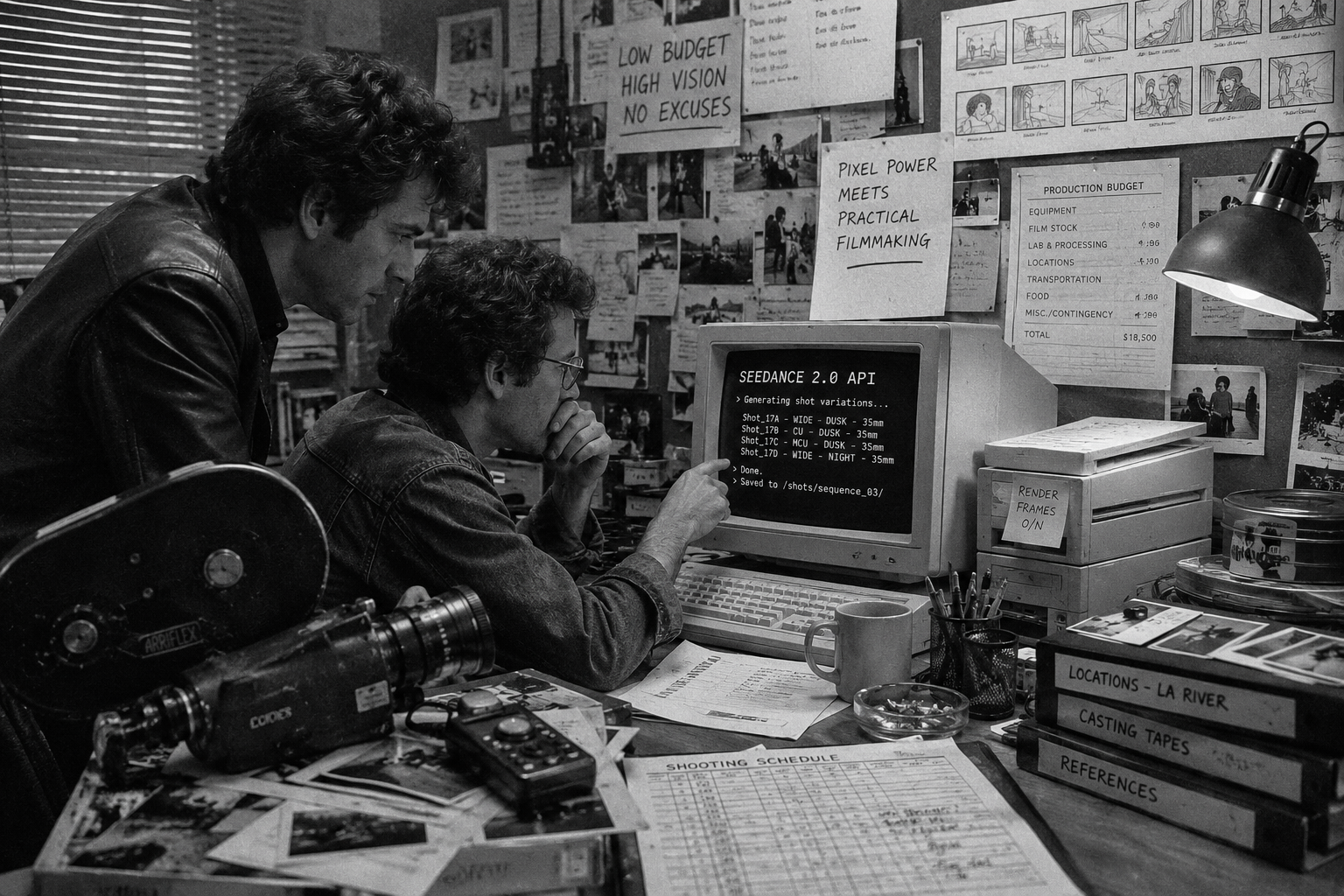
The Seedance 2.0 API path works best when you need to build software around ByteDance video generation. If you need to make a film scene now, the endpoint alone will not give you shot planning, reference control, take review, roles, or cost visibility.
ByteDance Seed describes Seedance 2.0 as a multimodal audio-video generation model that supports text, image, audio, and video inputs. BytePlus also maintains ModelArk docs for the video generation API.
That gap matters for teams that want to direct scenes instead of assembling backend infrastructure. Lotix is not the Seedance 2.0 API; it gives filmmakers a production workspace around Seedance-focused generation, so small teams can avoid building an API pipeline, media storage, shot database, review workflow, team permissions, token accounting, and governance layer before they direct a real scene.
Key takeaways
The Seedance 2.0 API gives developers a direct integration route, while Lotix gives filmmakers a production workspace around Seedance-focused generation. The right choice depends on the job: build an endpoint pipeline when software is the product, or use Lotix when the film is the product.
- Choose direct API access when your team wants to build a custom app, automation layer, or internal generation pipeline.
- Choose Lotix when the job needs scenes, shots, references, takes, dailies, approvals, roles, token visibility, and review.
- Lotix adds production structure around Seedance-focused generation: scenes, shots, takes, dailies, roles, token visibility, and review.
- The Lotix pricing page lists Starter, Creator, and Studio monthly plans with included generation tokens.
- Use ByteDance Seed for model facts and BytePlus ModelArk for API constraints.
What the Seedance 2.0 API gives you
The Seedance 2.0 API gives technical teams a way to send generation requests, pass supported references, monitor jobs, and retrieve output through a provider workflow. In practical terms, developers manage the request, wait for completion, and handle the surrounding storage, retries, policy checks, billing, and application logic themselves.
That gives developers power. It also hands them responsibility for everything around the model.
The official Seedance 2.0 launch post says the model supports mixed text, image, audio, and video inputs, including multiple image, video, and audio references. The Seedance 2.0 model card describes 4-to-15-second direct audio-video generation and a Seedance 2.0 Fast variant for lower-latency use cases.
BytePlus ModelArk video generation docs list API pages for creating, retrieving, listing, and canceling or deleting video generation tasks.
For a developer, that sounds like an integration plan. For a director or producer, it opens the next set of questions:
- Where do character, location, prop, and wardrobe references live?
- Which generated clip belongs to which shot?
- Who can generate, review, or approve takes?
- How do you track rejected, maybe, selected, and approved outputs?
- How do you keep provider settings, prompt versions, and token spend attached to the work?
An API can create the clip. A production workflow has to carry the clip through the scene.
Why direct API access can cost more than the rate card
API pricing does not measure the whole cost of usable film production. Direct access often moves hidden work onto your team: asset storage, shot records, prompt versioning, take status, permission design, token tracking, failure handling, client review, and rights context for references.
Direct API pricing only covers one part of the real cost. If you run a software team, that may fit your plan. You can build the missing pieces.
If you are an indie filmmaker, producer, or small creative team, those missing pieces become the project before the project.
You need a place to store references. You need validation for image and video inputs. You need a shot structure so prompts do not become loose text files. You need media storage, previews, status polling, failure handling, retries, take review, permissions, and billing visibility. If a client asset or real likeness enters the work, you also need consent, rights, and generation context attached to the output.
That work has a cost even when the endpoint looks affordable. It shows up as engineering time, production time, review confusion, and the risk of losing track of what made a shot.
For film teams, the better question is practical: what gets you to reviewable video work without building production infrastructure first?
The Lotix path around Seedance-focused generation
Lotix gives Seedance-focused generation a filmmaker-first workspace instead of a raw request body. Teams start with projects, assets, sequences, scenes, shots, takes, and dailies, then keep each generated clip connected to the plan, references, settings snapshot, review state, and token context.
That workspace matters when the bottleneck is production, not code.
Instead of starting with a raw request body, you start with a project. Then you organize the work into production assets, sequences, scenes, shots, generated takes, and dailies. A shot plan can include duration, aspect ratio, resolution, camera language, movement, lighting, negative constraints, frame anchors, reference videos, and prompt references to project assets.
Inside that workflow, video generation support centers on Seedance 2.0 and Seedance 2.0 Fast. Generated clips become takes attached to their shot plans, references, model/settings snapshots, and review state. Your team can reject a take, mark it maybe, select it, approve it, regenerate it, or use it as the basis for another pass.
That’s the production layer the API doesn’t give you by itself.
The Lotix pricing page lists Starter, Creator, and Studio monthly plans with included generation tokens. For indie filmmakers and small teams, that packaging keeps budgeting tied to a production workspace instead of treating raw generation rates as the whole product.
Direct API vs. Lotix for film teams
Direct API access and Lotix solve different problems. API access fits teams that want to build software, automate generation, and control infrastructure. Lotix fits film teams that want to organize scenes, shots, references, generated takes, team review, spend, and governance without starting with backend work.
| Question | Direct Seedance 2.0 API | Lotix |
|---|---|---|
| Best fit | Developers building custom apps, automations, or internal tools | Filmmakers and teams planning shots, takes, and dailies |
| Setup | Provider account, API keys, billing setup, request handling, storage, and polling | Monthly plan, project setup, and included tokens |
| Production structure | You build your own scene, shot, reference, and take system | Projects, sequences, scenes, shots, takes, and dailies are native |
| Review workflow | You build review states, media previews, and approval records | Takes can be reviewed as rejected, maybe, selected, or approved |
| Team access | You build permissions and collaboration flows | Project roles include owner, producer, director, assistant director, editor, commenter, and viewer |
| Governance | You design your own audit and policy workflow | Lotix is built with generation gateway, audit, token, and compliance-readiness workflows |
The short version: choose direct API access when the software you’re building is the product. Choose Lotix when the film is the product.
How to choose the right path
Choose the Seedance 2.0 API when you need an integration layer, not a production workspace. Choose Lotix when the team’s main work involves planning shots, managing references, reviewing takes, inviting collaborators, keeping tokens visible, and moving selected clips toward dailies.
Use the direct Seedance 2.0 API path if you need to embed generation inside a custom app, automate high-volume backend jobs, or control your own infrastructure. The BytePlus resource pack, API, and terms pages are the right sources for provider-side pricing and availability assumptions.
BytePlus resource-pack docs describe Dreamina Seedance 2.0 and Dreamina Seedance 2.0 Fast token packs, deduction ratios, minimum pack purchases, and pay-as-you-go conversion after pack depletion. Those are provider-side details, not Lotix app pricing.
Use Lotix if your bottleneck is production, not code. That’s usually true when you need to:
- Plan a scene into shots before generation.
- Reuse character, location, prop, wardrobe, image, and video references.
- Keep prompts, settings, frame anchors, and outputs attached.
- Compare multiple takes without losing the shot context.
- Invite producers, directors, editors, commenters, or viewers into the same project.
- Keep token spend and governance context visible as the work grows.
If you’re still learning the model itself, read our Seedance 2.0 access guide. If you’re planning your first serious shot, use the Seedance 2.0 shot planning workflow and the Seedance 2.0 prompt guide. If you’re building a connected scene, move into the multi-shot Seedance workflow.
Start with the workflow, not the endpoint
Start with the workflow because clips lose value when nobody can trace why they exist. Tie every generation to a shot, every shot to a scene, every take to a review state, and every selected output to dailies before the folder gets noisy.
The fastest way to waste AI video spend is to generate without a reviewable plan. You get a pile of clips, a folder of references, and a vague memory of which prompt made which result.
The better path is to make every generation belong to a shot. The shot belongs to a scene. The take belongs to a review state. The approved work belongs in dailies. That structure keeps creative decisions visible and makes regeneration less random.
Lotix exists for that job. You can explore the broader Lotix product workflow, check pricing, or review the trust and governance approach before you start.
For a less technical production path, the AI movie maker guide walks through Seedance-focused generation inside a shot, take, and dailies workflow.
To turn Seedance 2.0 API access into organized AI film production, sign up free and build around scenes, shots, takes, and dailies from the first generation.
Frequently asked questions
Seedance 2.0 API FAQs separate integration choices from production workflow choices. The key questions are whether Lotix is an API, how to compare direct API costs with packaged workspace pricing, whether coding is required, how Fast fits, and when official provider docs should guide decisions.
Is Lotix the Seedance 2.0 API?
No. Lotix does not present itself as ByteDance, BytePlus, or the Seedance 2.0 API. Lotix gives filmmakers an app workspace for Seedance 2.0 and Seedance 2.0 Fast generation while adding production structure around generated work for teams.
How should I compare Lotix with direct API costs?
Do not compare Lotix tokens to raw provider rates as if they are the same product. Lotix pricing packages monthly studio access, included generation tokens, and production workflow. Direct API access may fit high-volume backend systems; compare current provider rates, territory rules, engineering time, review needs, and token usage.
Can I use Lotix without coding?
Yes. Lotix focuses on app-based production work, not code-first integration. Users plan assets, scenes, shots, references, takes, and dailies inside the product, then invite collaborators through project roles instead of asking a developer to build the workflow first from scratch.
Does Lotix support Seedance 2.0 Fast?
Yes. Lotix video generation support centers on Seedance 2.0 and Seedance 2.0 Fast. The arXiv model card describes Fast as an accelerated variant for lower-latency scenarios.
Should I still read the official API docs?
Yes. Read official docs before each API or pricing decision because Seedance access, provider limits, available territories, resource packs, token rules, and policy terms can change. Use ByteDance Seed for model facts and BytePlus ModelArk for current API constraints before launch.
Free workspace
Create your free Lotix workspace.
Plan your shots, manage your assets, generate takes with built-in Seedance, and keep generation spend visible with monthly tokens inside Lotix.
- Plan shots around scenes, references, and review needs
- Manage characters, locations, props, and production assets
- Generate Seedance takes with visible token usage