

The Ultimate AI Filmmaking Tech Stack: Why Generators Aren't Enough
Compare AI filmmaking tools by production workflow: storyboarding, generation, metadata tracking, dailies, review, approvals, and editor handoff.
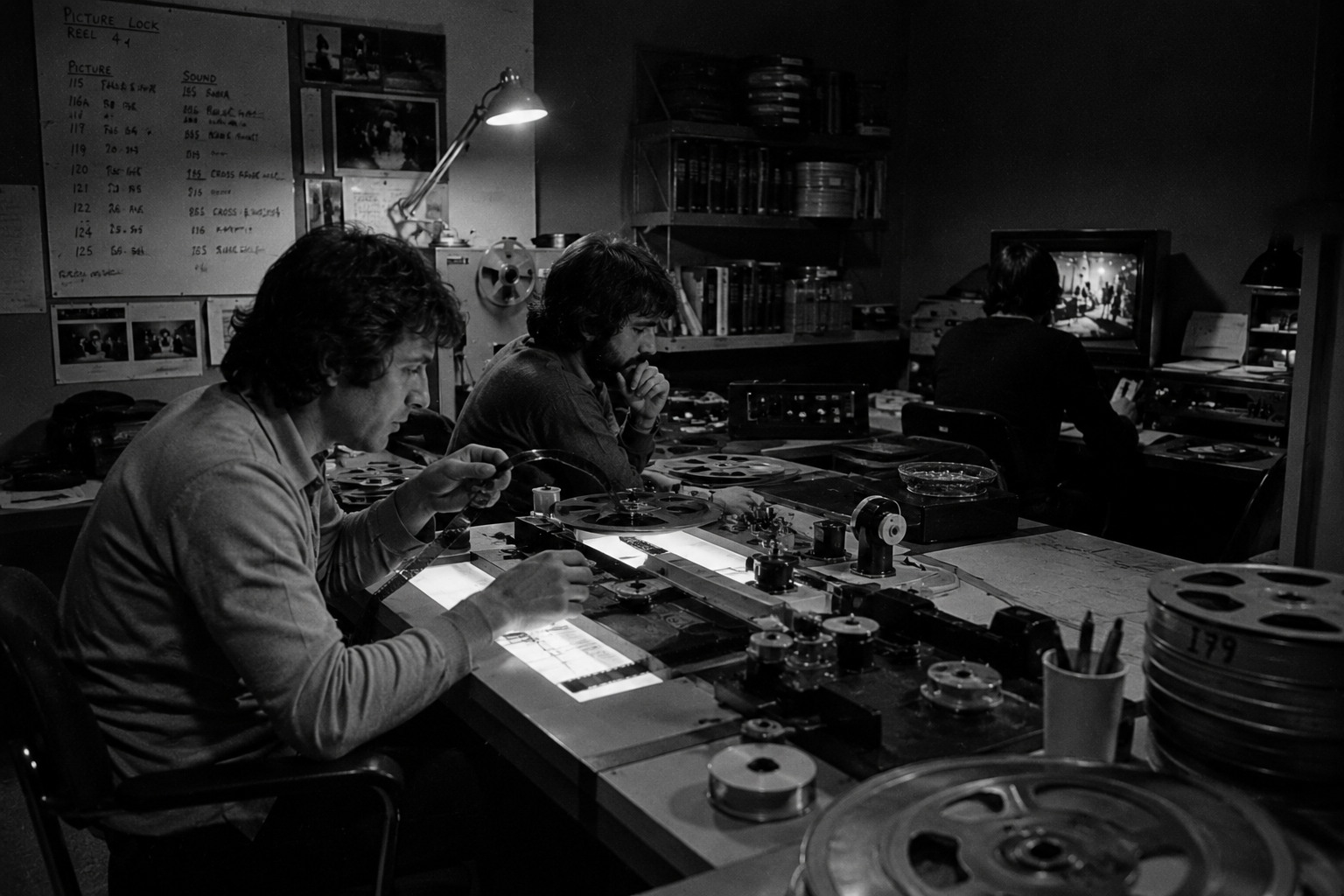
The AI video space is currently suffering from a massive delusion: the belief that a powerful video generator is the same thing as a production studio. It is not. A generator is just a digital camera lens - and pointing a lens at something does not magically write the script, track the continuity, or organize the dailies.
If you want to actually finish a project, there is no single “best” AI filmmaking tool because they don’t all do the same job. You need to pick the right tool for the specific hurdle in front of you, whether that is drafting an idea, generating a take, or handing off files to an editor.
These tools only actually make sense when you map them to how a real film crew works. Start with the broader AI filmmaking workflow, look at the AI video generator market for your raw materials, and then bring in a workspace like Lotix when your experiments need actual structure - think shots, takes, dailies, and approvals.
The AI Production Stack: Built by Job, Not by Brand
Don’t just build a shortlist around a single brand. Too many creators lock themselves into an ecosystem just because the UI is familiar, sacrificing the specialized power of purpose-built tools. Build your stack based on the job.
Use writing tools for concepts, image generators for references, video models for takes, and dedicated workflow systems to handle the dailies and handoffs. Here is the reality of what you should be evaluating:
| Production job | What the tool should create | Example tools to evaluate | What to watch out for |
|---|---|---|---|
| Ideation | Premise options, beats, scene questions, prompt drafts. | ChatGPT, Claude, Gemini, Notion AI. | Generic beats, unclear ownership, weak production detail. LLMs naturally trend toward cliches unless heavily constrained. |
| References | Characters, environments, props, palettes, style anchors. | Midjourney, Adobe Firefly, Photoshop, Leonardo. | Continuity drift, rights review, missing source notes. Perfect 1:1 consistency is still a myth; aim for thematic coherence. |
| Storyboarding | Shot order, framing, camera intent, animatic timing. | Boords, Storyboarder, Figma, image generators. | Pretty frames that lack actual shot criteria. If a board doesn’t dictate camera motion, it’s just a mood board. |
| Generation | Text-to-video, image-to-video, video-to-video takes. | Runway, Kling, Pika, Luma, Sora, Google Flow, Firefly. | Access changes, credit use, duration limits, style drift. Also beware the “slot machine” effect of mindlessly re-rolling prompts. |
| Review | Selects, rejects, regeneration notes, dailies, approvals. | Lotix, Frame.io, Dropbox Replay, Vimeo Review. | Notes detached from scene, shot, prompt, and take history. |
| Handoff | Approved media, references, notes, edit-ready context. | Premiere Pro, DaVinci Resolve, Final Cut Pro, shared drives. | Editors receiving clips without intent or decision history. Editors hate zero-handle AI clips; plan for transition padding. |
Product pricing and terms shift constantly, so verify everything on official pages (like Runway, Pika, Kling, Google Flow, Adobe Firefly, and OpenAI Sora) before committing.
Stop Pulling the Slot Machine: Why Generators Fail as a Full Stack
The single biggest point of failure in AI filmmaking isn’t bad generation - it’s metadata hemorrhage.
A video generator makes footage, but a real production needs a memory. Someone has to keep track of the original prompt, the reference image, the rejected attempts, rights concerns, and the director’s notes. When you download an MP4 from a browser-based generator, you can lose the prompt, the seed, and the negative constraints. If you skip tracking this, your cool clips just become a messy pile of files that frustrate everyone downstream.
This is exactly where AI projects fall apart. The director loves take seven, the producer wants to know what reference image drove the wardrobe, the editor needs handles, and absolutely no one remembers the prompt that got them the camera move. The generator worked perfectly, but the production system was non-existent.
The fix: Treat every generated clip as a formal take. Give it a scene, an objective, a reference set, a status, and a next action to keep your experiments from swallowing the project. If a clip doesn’t have metadata attached to it, it doesn’t exist.
Software Matrix for Real Production Stages
Pick your tools based on the handoff they create. A tool is only as good as the package it hands to the next person in the pipeline. Every single stage needs to leave the next person with useful context - a tighter brief, a better take, or an edit-ready package with zero missing answers.
| Stage | Job to be done | Example tool category | Lotix workflow relevance |
|---|---|---|---|
| Development | Explore story angles, scene beats, and proof-of-concept prompts. | Writing assistant, notes app, script tool. | Turn approved beats into scenes and shot intent. |
| Look development | Build visual references for characters, locations, props, and lighting. | Image generator, design board, asset library. | Keep reusable assets tied strictly to the production. |
| Storyboarding | Translate the scene into frames, camera moves, and acceptance criteria. | Storyboard app, image tool, presentation tool. | Connect boards to scenes, shots, and generation notes. |
| Generation | Create candidate takes from text, image, video, or audio references. | AI video generator or model interface. | Store each output as a take with a review status. |
| Dailies | Review progress, compare versions, pick selects, and assign fixes. | Review platform, production workspace. | Collect takes into dailies with comments and approvals. |
| Post handoff | Move approved media and notes into the edit without losing intent. | NLE, storage, delivery checklist. | Package selects, rejected context, and shot notes for editors. |
For generation-specific comparisons, use deeper reviews such as the best AI video generators 2026 guide, Runway AI review, Runway pricing guide, Kling AI review, Higgsfield AI review, and Higgsfield pricing guide. This page has a different job: it shows where each tool type belongs in the production chain.
Scaling Your Stack: Solo Creators vs. Production Teams
The right tool stack shifts as soon as coordinating the team becomes harder than just generating the files.
The Solo Creator Stack
Keep it lean. You need one writing space, one reference setup, maybe two generators, and an editor. Write the idea, pull references, generate takes, pick the winner, and edit. Solo creators can afford a little chaos, but bring in Lotix only when your retries and notes get too complicated for a basic desktop folder to explain. For movie-shaped tests, the AI movie maker workflow gives that smaller stack a story-to-edit path.
The Small Team Stack
Chaos spikes when one person writes the prompt, another reviews it, and the editor gets the file with zero context. Add shared shot planning and decision history before buying into more generators. Demand a single source of truth for scenes, shots, references, and selects. If the team is making stylized, animated, or animatic-heavy work, use the AI animation generator guide to keep style tests tied to production decisions.
The Production Team Stack
At this level, stop asking “what looks coolest” and start asking “how do we prove why we selected this take?” Separate the creative tools from the production control. Everyone needs different access levels, but they all need to see the exact same shot record and approved references before media hits post-production. Without a clear version control system, post-production grinds to a halt trying to decipher shot04_v2.mp4 from shot04_final_real.mp4. For team setup, the AI video project workspace tutorial shows how to create the project, asset, shot, role, and dailies structure before generation.
The Connective Tissue: Where Lotix Fits
Lotix is the production infrastructure wrapping around your AI tools. Think of it as your digital script supervisor.
Use your generators for the media, your NLE for the finish, and Lotix for the connective tissue: shots, takes, comments, and team handoffs. It isn’t trying to replace the image models or review apps you already trust. Its sole job is to make your production legible.
A professional, metadata-first workflow looks like this:
- Build the project, scenes, and shots before you generate anything.
- Attach your references for wardrobe, locations, and style.
- Import the takes from whatever generation tools you are testing.
- Mark takes as selects, maybes, rejects, or approvals.
- Run dailies and save comments for the next round.
- Hand the approved media and notes cleanly to the editor.
The Real Buying Criteria: How to Spot a Gimmick
Don’t buy based on a slick demo; buy based on actual production risk. A flashy clip is useless if your team can’t actually repeat it or formally approve it. When evaluating a tool, ask the hard questions:
- Input control: Can it actually use text, image, and audio references the way your shot requires?
- Take history: Can you track down the original prompt and settings three review rounds later?
- Continuity: Can it preserve character, wardrobe, and camera intent across different scenes?
- Review fit: Can reviewers comment on the actual shot intent, not just the raw file?
- Approval record: Can producers easily see what failed and what needs to be regenerated?
- Editor handoff: Can post-production get the selects and the notes without having to reconstruct the entire process?
The benchmark test: Test three distinct shots: dialogue, a controlled prop, and a camera move. The winner is the tool chain that causes the least confusion, not the one with the flashiest output.
Frequently Asked Questions
The overarching theme here? AI filmmaking requires a stack.
What are the best AI filmmaking tools?
The best tools cover specific jobs, whether that’s storyboarding, generation, or approvals. No single app handles every shot perfectly. The “best” tool is the one that solves your immediate bottleneck without breaking the pipeline for the next person in line.
Which tools do we need beyond a video generator?
Beyond a generator, you need reference libraries, version review, dailies, and clean editor handoffs. The workflow keeps clips tied to their actual creative intent.
How do these fit into production stages?
Each stage needs clear inputs and outputs. Pre-production creates the plans, generation makes the takes, review yields the selects, and post-production turns it into the final edit.
Where does Lotix fit?
Lotix sits directly between planning, generation, and handoff. It keeps the project organized while you use specialized generators to do the heavy lifting.
Start with a single sequence, test a couple of generators, review in context, and only approve what genuinely helps the edit.
Free workspace
Create your free Lotix workspace.
Plan your shots, manage your assets, generate takes with built-in Seedance, and keep generation spend visible with monthly tokens inside Lotix.
- Plan shots around scenes, references, and review needs
- Manage characters, locations, props, and production assets
- Generate Seedance takes with visible token usage