
Seedance 2.0 API: The Practical Path for Indie Filmmakers
A Seedance 2.0 API guide for indie filmmakers comparing direct API setup with Lotix's lower-cost production path.
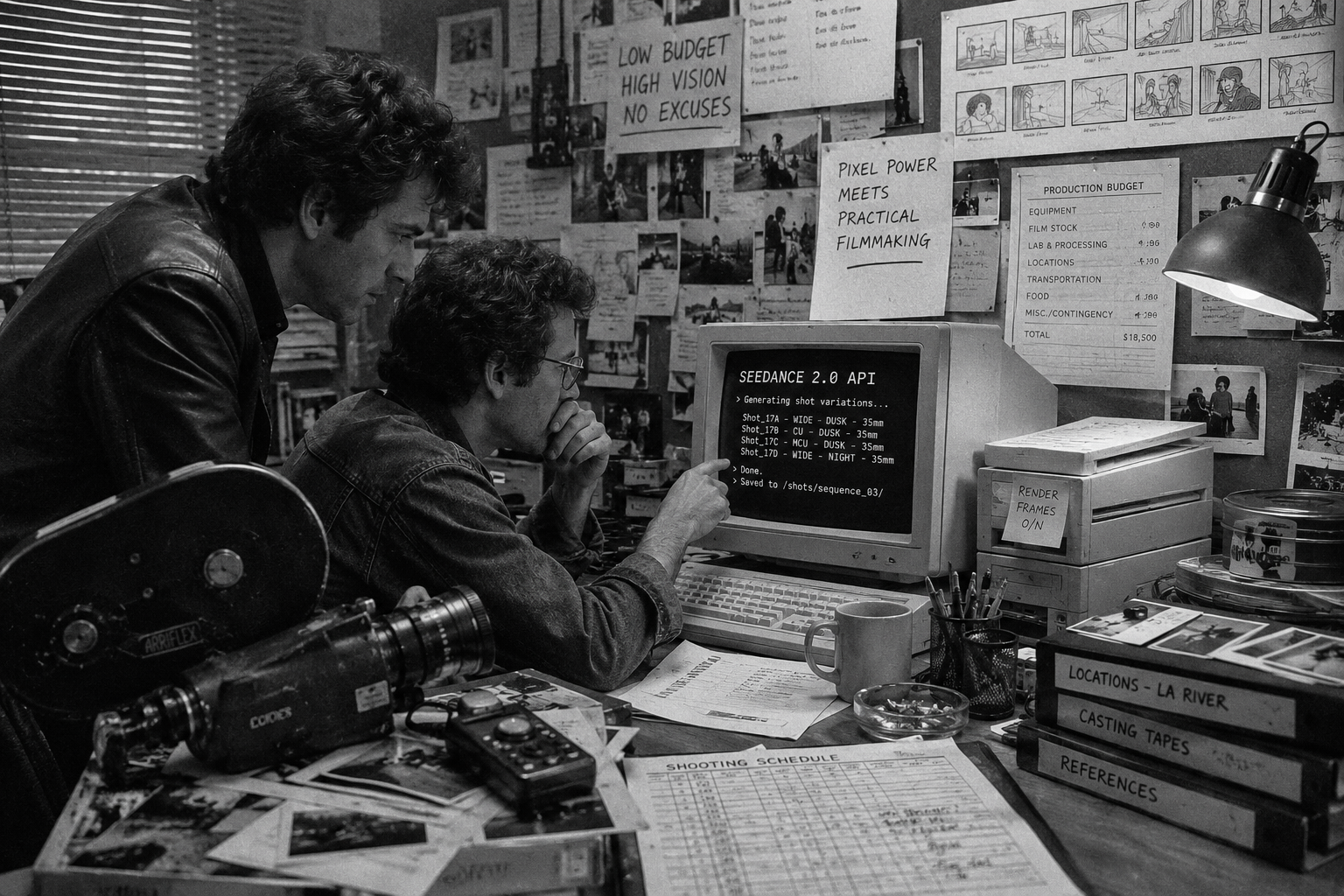
The Seedance 2.0 API matters because it gives technical teams a path to submit prompts and references directly to a video-generation model. For filmmakers, the harder problem starts after access: turning generated clips into planned shots, reviewable takes, controlled spend, and a scene a team can actually finish.
As of May 21, 2026, ByteDance Seed describes Seedance 2.0 as a multimodal audio-video generation model that supports text, image, audio, and video inputs. BytePlus also maintains official ModelArk documentation for the video generation API, and model access, pricing, and provider policy can change over time.
Lotix isn’t the Seedance 2.0 API. It’s the production workspace around Seedance-focused generation. For indie filmmakers and small teams, that can be the least expensive practical path: you avoid building an API pipeline, media storage, shot database, review workflow, team permissions, token accounting, and governance layer before you can direct your first real scene.
Key takeaways
- The Seedance 2.0 API path is best for developers building a custom product or internal pipeline.
- Film teams don’t only need an endpoint. They need scenes, shots, references, takes, dailies, approvals, and spend control.
- Lotix gives Seedance-focused generation a filmmaker-first workspace, with current video support centered on Seedance 2.0 and Seedance 2.0 Fast.
- Lotix app access currently starts at $19.99/month, with generation covered by prepaid token packs.
- The cheapest path depends on your job: raw API for code-first teams, Lotix for filmmakers who need a usable production workflow now.
What the Seedance 2.0 API gives you
The API route is the technical path into Seedance generation. In plain terms, you submit a generation request, pass the prompt and supported references, wait for the job to complete, then retrieve the result through the provider’s workflow.
That’s powerful. It also means you’re taking responsibility for everything around the model.
The official Seedance 2.0 launch post says the model supports mixed text, image, audio, and video inputs, including multiple image, video, and audio references. The Seedance 2.0 model card, submitted to arXiv on April 15, 2026, describes direct audio-video generation in the 4-to-15-second range and a Seedance 2.0 Fast variant for lower-latency use cases.
For a developer, that sounds like an integration plan. For a director or producer, it opens the next set of questions:
- Where do character, location, prop, and wardrobe references live?
- Which generated clip belongs to which shot?
- Who can generate, review, or approve takes?
- How do you track rejected, maybe, selected, and approved outputs?
- How do you keep provider settings, prompt versions, and token spend attached to the work?
An API can create the clip. A production workflow has to carry the clip through the scene.
Why direct API access can cost more than it looks
Direct API pricing is only one part of the real cost. If you’re running a software team, maybe that’s fine. You can build the missing pieces.
If you’re an indie filmmaker, a producer, or a small creative team, those missing pieces become the project before the project.
You need a place to store references. You need validation for image and video inputs. You need a shot structure so prompts don’t become loose text files. You need media storage, previews, status polling, failure handling, retries, take review, permissions, and billing visibility. If a client asset or real likeness is involved, you also need a workflow that keeps consent, rights, and generation context from getting detached from the output.
That work has a cost even when the endpoint itself looks affordable. It’s engineering time, production time, review confusion, and the risk of losing track of what was actually used to make a shot.
For film teams, the question quickly becomes less about the endpoint and more about the workflow: what’s the fastest and lowest-cost way to make reviewable video work with it?
The Lotix path around Seedance-focused generation
Lotix is built for filmmakers who want the output without turning their production into a backend project.
Instead of starting with a raw request body, you start with a project. Then you organize the work into production assets, sequences, scenes, shots, generated takes, and dailies. A shot plan can include duration, aspect ratio, resolution, camera language, movement, lighting, negative constraints, frame anchors, reference videos, and prompt references to project assets.
Current Lotix video generation support is centered on Seedance 2.0 and Seedance 2.0 Fast. Generated clips become takes attached to their shot plans, references, model/settings snapshots, and review state. Your team can reject a take, mark it maybe, select it, approve it, regenerate it, or use it as the basis for another pass.
That’s the production layer the API doesn’t give you by itself.
As of May 21, 2026, the Lotix pricing page lists monthly app access at $19.99, with tokens sold separately through prepaid packs. That doesn’t mean Lotix is always the cheapest theoretical raw model rate for every high-volume backend workload. It means Lotix can be the least expensive practical path for indie filmmakers and small teams who need to make AI video, not build the software stack around it.
Direct API vs. Lotix for film teams
| Question | Direct Seedance 2.0 API | Lotix |
|---|---|---|
| Best fit | Developers building custom apps, automations, or internal tools | Filmmakers and teams planning shots, takes, and dailies |
| Setup | Provider account, API keys, billing setup, request handling, storage, and polling | Monthly app access, project setup, and token packs when you’re ready to generate |
| Production structure | You build your own scene, shot, reference, and take system | Projects, sequences, scenes, shots, takes, and dailies are native |
| Review workflow | You build review states, media previews, and approval records | Takes can be reviewed as rejected, maybe, selected, or approved |
| Team access | You build permissions and collaboration flows | Project roles include owner, producer, director, assistant director, editor, commenter, and viewer |
| Governance | You design your own audit and policy workflow | Lotix is built with generation gateway, audit, token, and compliance-readiness workflows |
The short version: choose direct API access when the software you’re building is the product. Choose Lotix when the film is the product.
How to choose the right path
Use the direct Seedance 2.0 API path if you need to embed generation inside a custom app, automate high-volume backend jobs, or deeply control your own infrastructure. You’ll still want to check current BytePlus resource pack and API documentation before making pricing or availability assumptions, because those details can change.
Use Lotix if your bottleneck is production, not code. That’s usually true when you need to:
- Plan a scene into shots before generation.
- Reuse character, location, prop, wardrobe, image, and video references.
- Keep prompts, settings, frame anchors, and outputs attached.
- Compare multiple takes without losing the shot context.
- Invite producers, directors, editors, commenters, or viewers into the same project.
- Keep token spend and governance context visible as the work grows.
If you’re still learning the model itself, read our Seedance 2.0 access guide. If you’re planning your first serious shot, use the Seedance 2.0 shot planning workflow. If you’re building a connected scene, move into the multi-shot Seedance workflow.
Start with the workflow, not the endpoint
The fastest way to waste AI video spend is to generate without a reviewable plan. You get a pile of clips, a folder of references, and a vague memory of which prompt made which result.
The better path is to make every generation belong to a shot. The shot belongs to a scene. The take belongs to a review state. The approved work belongs in dailies. That structure keeps creative decisions visible and makes regeneration less random.
Lotix exists for that job. You can explore the broader Lotix product workflow, check pricing, or review the trust and governance approach before you start.
To turn Seedance 2.0 API access into organized AI film production, start creating in Lotix and build around scenes, shots, takes, and dailies from the first generation.
Frequently asked questions
Is Lotix the Seedance 2.0 API?
No. Lotix isn’t the Seedance 2.0 API and doesn’t claim to be BytePlus or ByteDance. Lotix is a filmmaker-first production workspace that currently centers video generation support on Seedance 2.0 and Seedance 2.0 Fast.
Is Lotix cheaper than using the API directly?
For many indie filmmakers and small teams, Lotix can be the least expensive practical path because it removes the need to build the production software around direct API access. If you’re a developer running a high-volume custom backend, compare current provider pricing, engineering effort, and workflow needs before choosing.
Can I use Lotix without coding?
Yes. Lotix is designed as an app workspace, not a code-first API integration. You plan assets, scenes, shots, references, takes, and dailies inside the product.
Does Lotix support Seedance 2.0 Fast?
Yes. Current Lotix video generation support is centered on Seedance 2.0 and Seedance 2.0 Fast.
Should I still read the official API docs?
Yes. Model access, provider limits, pricing, and policy rules can change. Use official ByteDance Seed and BytePlus sources when you need current API constraints, then use Lotix when you want the production workflow around the generation.