
AI Filmmaking Tools: The Best Stack for Production
A practical guide to AI filmmaking tools for Seedance generation, shot planning, take review, dailies, and real production pipelines.
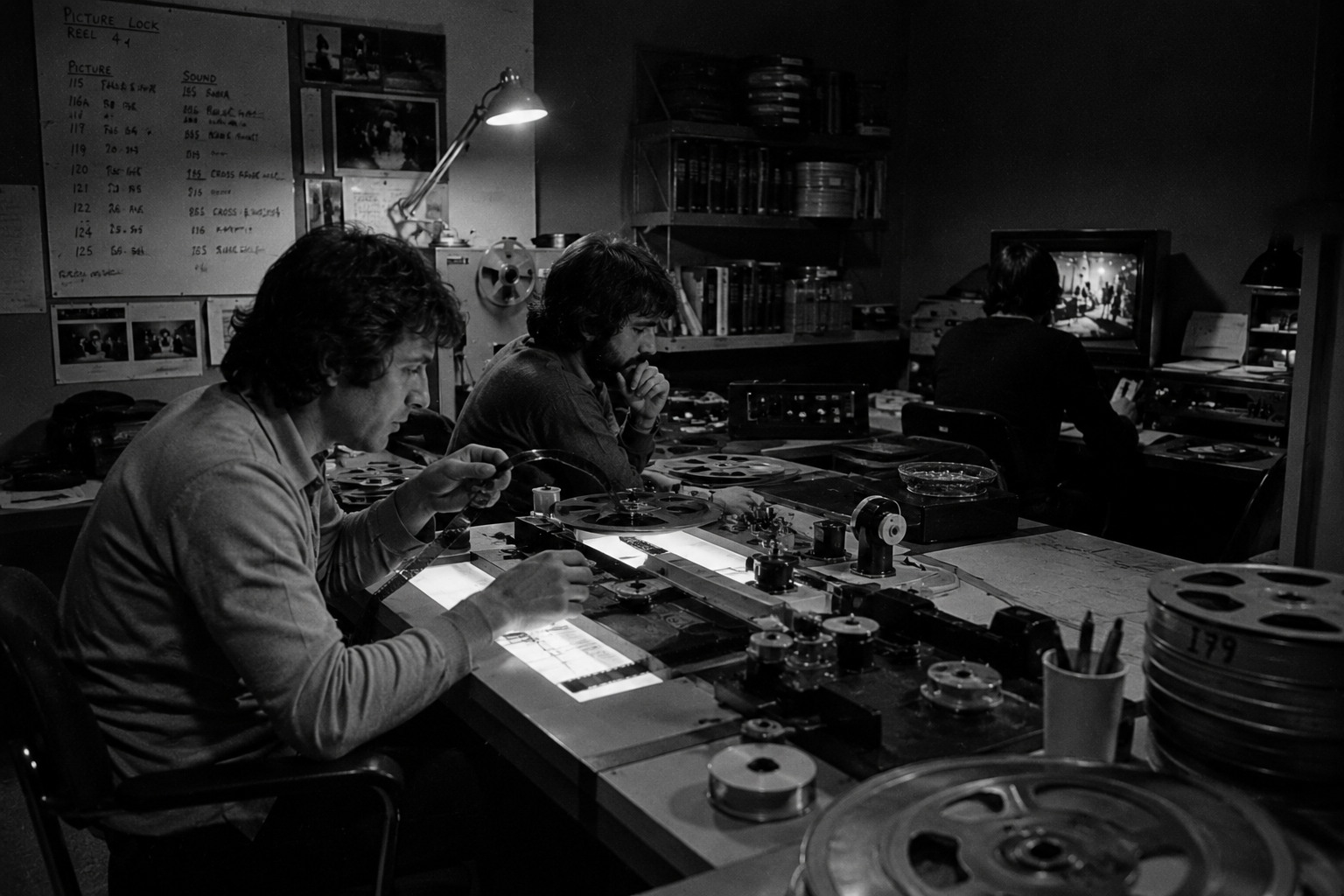
AI filmmaking tools can make a shot faster, but speed isn’t the same as production. A director still needs shot intent. A producer still needs review status. An editor still needs to know which take belongs to which scene. A team still needs references, roles, spend visibility, and a way to keep decisions attached to the work.
The useful stack isn’t one magic app. It starts with a production workspace where you can access Seedance affordably, plan shots, generate video takes, review dailies, and keep decisions attached to the work. Then it adds the right audio and post tools around that core.
That’s the Lotix angle: cost-efficient Seedance access and video generation, wrapped in a production pipeline solid enough for scenes, shots, takes, dailies, collaborators, tokens, and governance.
Use the list below as a practical map. As of May 21, 2026, video model access, pricing, watermarking, rights terms, and product availability are still changing fast, so verify the official page before you lock any outside tool into paid client work.
Key takeaways
- Pick AI filmmaking tools by production job: planning, generation, voice, sound, review, edit, and governance.
- Clip generators are strongest when each output stays tied to a shot plan, reference stack, and review decision.
- A production workspace matters once you’re making scenes instead of isolated prompt tests.
- Lotix fits the Seedance access and production pipeline layer: projects, assets, sequences, scenes, shots, generated video takes, dailies, roles, tokens, and compliance workflows.
- Keep final editing, color, mix, and delivery in dedicated post tools.
Best AI filmmaking tools by production job
Cost-efficient Seedance access, structured video generation, take review, dailies, and production context in one workflow.
Lotix lets teams generate Seedance-focused video takes inside a filmmaker-native pipeline. It keeps prompts, references, generation settings, token context, and review states tied to the shot.
Lotix isn't a final edit, color, mix, or delivery suite. Generate and review video in Lotix, then finish selected takes in dedicated post tools.
Cinematic AI clip generation, scene building, ingredients, camera controls, and Veo-based experiments.
Google describes Flow as an AI filmmaking tool built for Veo, Imagen, and Gemini. Google's Veo 3.1 update adds audio across more Flow features and stronger image-to-video quality.
Access and feature rollout vary. Treat it as a strong generation layer, not your whole production memory.
Text-to-video and image-to-video shot tests with detailed camera choreography.
Runway says Gen-4.5 supports Text to Video and Image to Video, with strong motion quality, prompt adherence, and camera control.
Outputs still need a shot plan, continuity review, and editorial judgment.
Look development, video-to-video exploration, keyframes, transitions, and visual iteration.
Luma positions Ray3 around creative control, character reference, keyframes, Draft Mode, HDR, and production-grade fidelity.
Great for exploration and transitions, but teams still need shared review states and asset discipline.
Brand-conscious generation, image-to-video, first/last frame controls, and Premiere Pro integration.
Adobe's Firefly Video Model powers Generate Video and Generative Extend in Premiere Pro, with camera controls and Creative Cloud integration.
Confirm current plan limits, rights terms, and beta status before client delivery.
Temp voice, narration, character reads, multilingual audio, and early editorial timing.
ElevenLabs offers expressive text to speech, dialogue support, voice design, voice cloning with permission, and many language options.
Always track consent, usage rights, and client approvals for voices.
Edit, color, VFX, audio post, and delivery after generated takes have been selected.
Resolve combines editing, color, Fusion, Fairlight, delivery, and AI Neural Engine features such as smart reframing, super scale, auto color, and color matching.
It's a finishing tool, not a generation workspace. Bring organized takes into it.
One important sunset note: OpenAI says the Sora web and app experiences were discontinued on April 26, 2026, and the Sora API will be discontinued on September 24, 2026. That makes Sora a migration topic, not a tool to build a new production stack around.
Start with the production layer
The common mistake is picking the clip generator first and building the workflow around whatever lands in the downloads folder.
That works for a single test. It breaks when a scene needs coverage. The prompt lives in one tool. The character reference lives in another. The take gets renamed by the browser. The director likes version four, but the producer can’t see why it was better. The editor gets six files with no shot codes, no scene context, and no clue which one was approved.
Before you compare AI filmmaking tools, define the production objects you need to protect:
- Project, sequence, scene, and shot.
- Character, location, prop, wardrobe, image, and reference video assets.
- Duration, aspect ratio, resolution, camera, lens, movement, lighting, and negative constraints.
- Start frame, end frame, and reference clips.
- Take status: rejected, maybe, selected, or approved.
- Team roles, provider settings, token spend, and compliance context.
If a tool can’t keep those objects visible, it may still be useful. It just shouldn’t be the system of record for the film.
Where Lotix fits in the stack
Lotix is built for Seedance access and video generation inside a production pipeline, not as a loose prompt box.
In Lotix, teams can build a production asset library for characters, locations, props, wardrobe, and reference videos. They can organize story flow into sequences, scenes, and shots, then compose structured shot plans with prompt sections, frame anchors, video references, film controls, and negative constraints.
Current video generation support in Lotix is centered on Seedance 2.0 and Seedance 2.0 Fast. You generate video takes from the shot plan inside the workspace, then those generated videos stay attached to the shot. A team can reject, mark maybe, select, or approve a take, then review successful outputs in dailies. That gives the director and editor a clearer trail from intent to generation to decision.
The value isn’t just that Lotix can generate video. It’s that Seedance generation happens with production structure around it: project-scoped settings, prepaid workspace tokens, token reservations, collaborator roles, review states, and compliance workflows designed for serious production governance. It doesn’t promise perfect continuity or legal clearance. It gives the work a place to stay organized while humans keep making the creative calls.
You can see the broader workflow on the Lotix product page, the production flow on the workflow section, and the review model on the take review section.
A practical AI filmmaking stack
For a solo proof-of-concept
Start lean. Use Lotix to plan your scenes and shots, access Seedance, generate video takes, and review decisions. Add a specialized generator only when you need a look test that belongs outside your main production path.
For voiceover, create temp reads in a tool like ElevenLabs, then replace or approve them based on your consent and rights workflow. Finish the edit, color, and sound pass in Resolve, Premiere Pro, or your preferred NLE.
For a small narrative team
Give every shot a code and a job. Keep character references, wardrobe notes, location references, props, frame anchors, and review criteria attached to the shot before anyone generates.
Use Lotix to generate candidate takes from structured shot plans and preserve the production memory around those takes. Then hold review in dailies so the director, producer, editor, and collaborators can compare outputs without losing the prompt, Seedance settings, references, token context, and status history.
For client or studio work
Add governance earlier. Confirm model access, rights terms, consent, client assets, provider settings, and token spend before the first big generation pass.
This is where a folder workflow gets risky. A producer may need to know who generated a take, which references were used, what status it reached, and whether the project followed its internal review process. The Lotix trust workflow is designed around role-aware access, review history, token control, and compliance readiness without claiming formal legal clearance.
How to choose the right tools
Use these questions before you buy another subscription:
- Does the tool solve a production job or only create a cool output?
- Can your team trace a take back to its shot plan, references, and settings?
- Can you mark a take as rejected, maybe, selected, or approved?
- Can collaborators see the same project context without sharing accounts?
- Can spend be tracked before and after generation?
- Can you keep consent, asset, and policy context attached to generation?
- Can the result move cleanly into your edit, color, sound, and delivery pipeline?
The best AI filmmaking tools don’t remove the need for direction. They make direction easier to carry through the whole process.
Build the stack around the film
Clip generators are getting better fast. That’s good news. It also means teams need stronger production habits, not weaker ones.
If your AI film is only one experiment, a prompt box may be enough. If you’re building scenes, continuity, reviews, approvals, dailies, and team access, use a workspace that treats generated video like production work.
Start Creating and build your next AI video project around shots, references, takes, and review.
Frequently asked questions
What’s the best AI filmmaking tool?
There isn’t one best tool for every job. Use Lotix when you want Seedance access, video generation, shot planning, take review, dailies, and production context together. Use audio and post tools around that pipeline for voice, edit, color, sound, and delivery.
Is Lotix an AI video generator?
Yes. Lotix is an AI film production workspace where teams can access Seedance and generate video takes from structured shot plans. Its main value is cost-efficient Seedance video generation inside a production pipeline: projects, assets, scenes, shots, takes, dailies, roles, token billing, and governance workflows.
Do AI filmmaking tools replace editors?
No. They can help create shots, temp audio, references, and alternate takes, but final story decisions still need editorial taste. Use a tool like Lotix to organize generated takes, then finish in a dedicated editing and post-production tool.
How should teams compare AI video tools?
Compare the workflow, not just the model demo. Look at continuity, reference handling, shot planning, review states, team roles, spend control, rights terms, and how easily outputs move into post.
Can AI filmmaking tools guarantee character consistency?
No. Some tools support references, keyframes, ingredients, or character controls, but results can still drift. The safer goal is to improve continuity by keeping reusable assets, frame anchors, prompts, and review criteria attached to each shot.